Odoo for restaurants, bars & cafés
Dining room, kitchen and till, finally in sync
We set up Odoo for your restaurant, bar or café: orders taken at the table, sent straight to the kitchen, and a till that adds up at closing time.
Book a free demo See restaurant pricing →
Free 30-minute call · English, Italiano, Español

Tablet, phone or PC
It runs in the browser, on several devices at once.
Your team gets trained
We configure it and teach everyone their part.
Local e-invoicing
SDI in Italy, ARCA in Argentina.
A day in your restaurant
The same shift, with fewer loose ends
You know these four moments well. This is what changes in each of them.
The rush
Waiters take the order at the table, on a phone or tablet. No walking back to the till to key it in.
In the kitchen
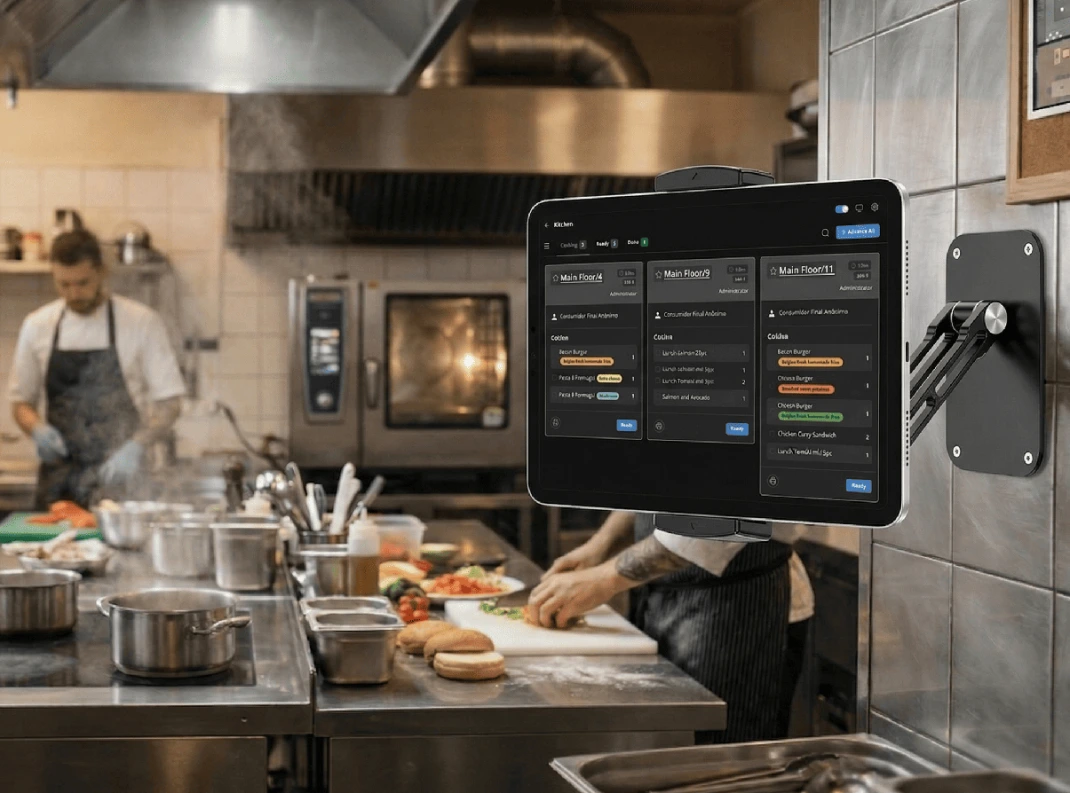
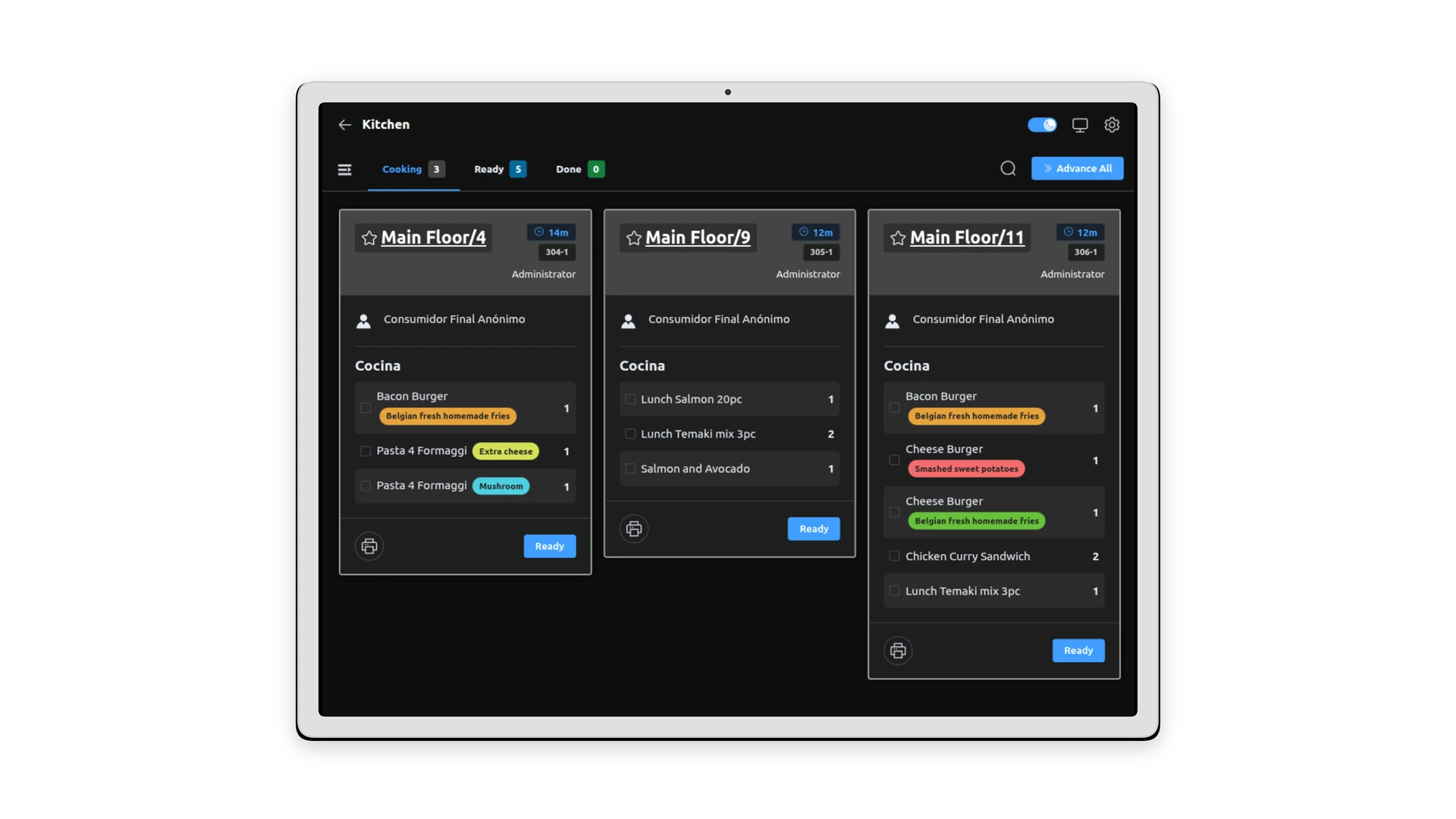
Each order arrives complete and readable, notes included. No lost tickets, no shouting across the pass.
The bill
Split it by guest or by dish and take more than one payment on the same table. No calculator needed.
Closing time
The day's sales are already added up, by product and by payment method. You count the drawer and compare.
Front of house
Your dining room on screen, table by table
Rooms and tables are drawn like your real layout. Tap a table and the order starts there.
A floor plan like your venue
Main room, terrace, patio: place the tables where they really are and see which ones have an open order.
Orders from any device
What a waiter enters on a phone shows up on the till and on the other screens.
Notes and variations
No onion, rare, extra cheese. It is written on the order, so the kitchen reads what the guest asked for.
Split bills and payments
Divide the bill among guests and take each part with its own payment method.


In the kitchen
Orders reach the kitchen on their own
When the waiter confirms, the order goes to the kitchen: on a screen, on a printer, or both. You decide what goes where.
A screen instead of the ticket spike
Every order shows its table, dishes and notes. The kitchen marks it ready when it goes out.
Or printed tickets, if you prefer
Drinks to the bar printer, food to the kitchen printer. Each product category goes to its station.
Waiting time in sight
Each order shows how long it has been waiting, so nothing sits forgotten during the rush.
For your guests
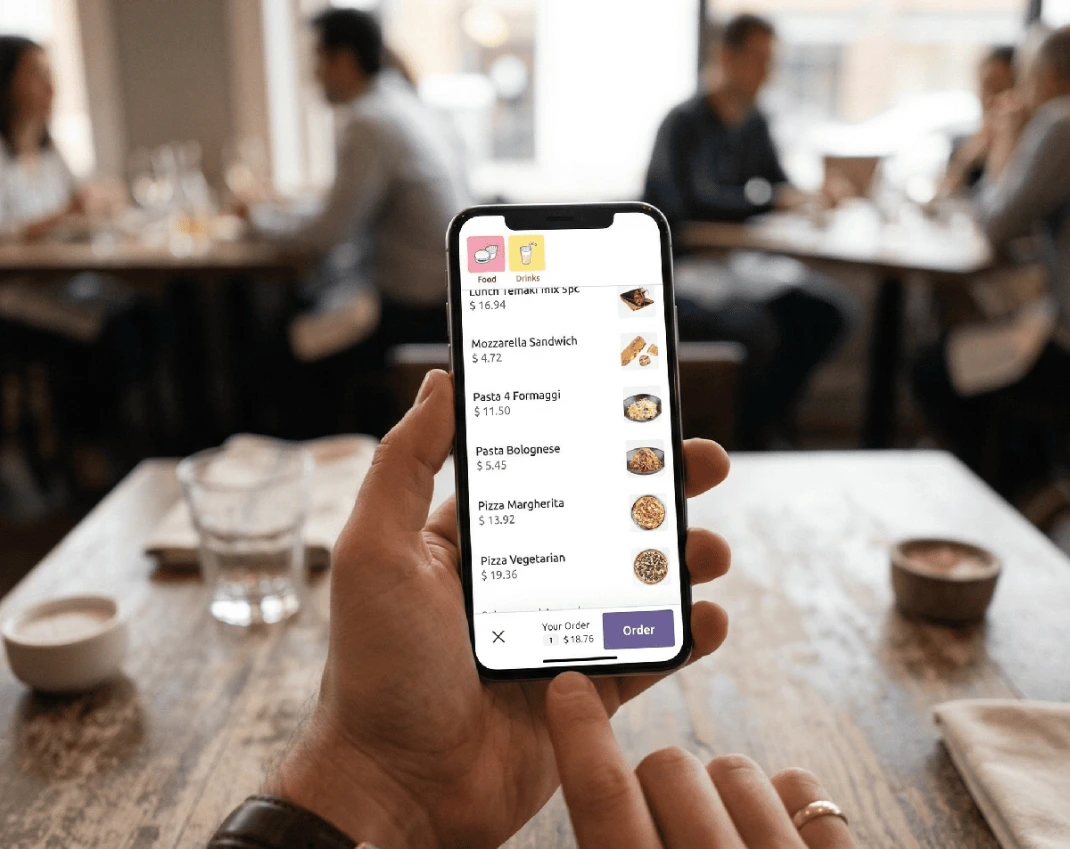
A menu guests open with their phone
A QR code on the table opens your menu in the browser, with no app to download. You choose whether guests only read it or also order.
A QR code on every table
Guests scan it, browse dishes and prices and, if you allow it, send the order themselves.
One menu to keep up to date
The till and the QR menu use the same product list. Change a dish once, not in three places.
Waiters stay with the guests
While a table orders by itself, your staff has time to serve and look after the room.

Online
Your restaurant, also open on the web
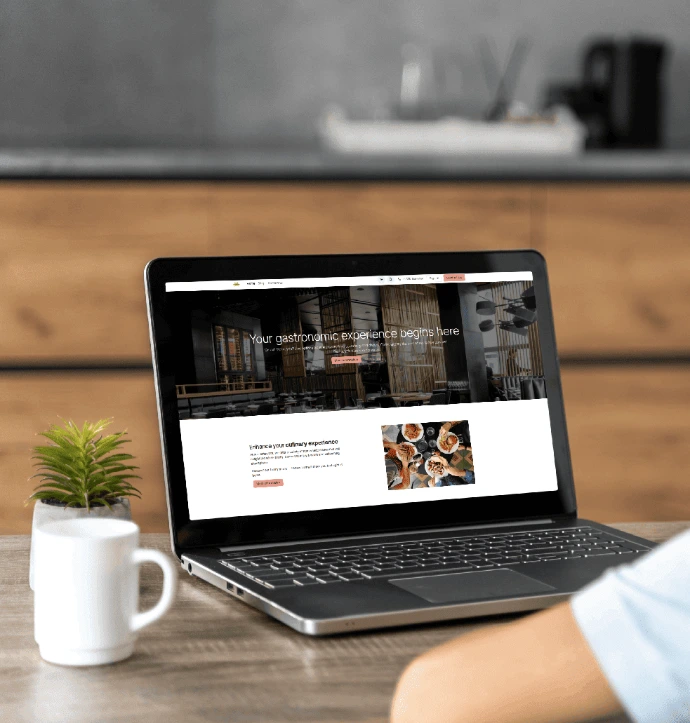
A website with your menu, your photos and your opening hours, connected to the same system you use in the dining room.
Online orders
Your website shows the menu and takes orders with their options. They arrive in the same system as the dining room.
A website that is yours
We build it in Odoo with your photos, menu, opening hours and contact form. Later you can edit it yourself.
Dishes with their options
Sides, cooking point, extras: the customer chooses them on the dish page, from a phone as easily as from a computer.


Back office
Know how the day went before you lock up
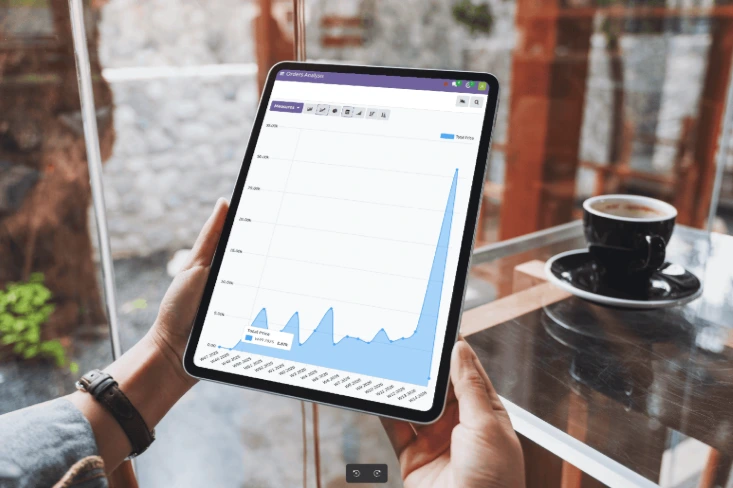
Sales are recorded as they happen. Open the reports from your phone, at the venue or at home.
Sales in real time
What sold, at what time, with which payment method. No spreadsheets at midnight.
Till closing
At the end of the shift the system shows what should be in the drawer. You count and note any difference.
Stock that follows sales
Sales can reduce stock as they happen, so you see what is running low before you call the supplier.
Accounting in the same system
Sales feed invoicing and accounting. Your accountant works from the same numbers you see.

Tailored to you
Odoo adapts to your restaurant, not the reverse
You don't change how you work to fit a program. We configure it around your venue, your menu and your team.
Set up for you
We load your menu, prices, tables, printers and users. You start from a system that already looks like your venue.
Training for your team
Waiters, kitchen and cashiers each learn the part they will use, before opening day.
Adapted to how you work
If standard Odoo does not cover something you need, our developers build it.
Support you can reach
Write on WhatsApp, call us or open a ticket. You talk to the team that set up your system.
Italy & Argentina
Invoicing that follows your country's rules
Developers and accountants work in the same team here, so tax rules are part of the setup from the first day.
Italy
Fattura elettronica sent through SDI, from the same system where you record your sales.
Argentina
Factura electrónica with ARCA, issued from the same system as your till and your accounting.
Ask before you buy anything
Unsure about receipts, VAT or your fiscal printer? Tell us your case and we explain what fits.

How we get you started
From the first call to your first service
No big-bang switch. We prepare everything first, and you open when your team is comfortable.

01
You tell us how you work
A short call about your venue: tables, menu, devices, and what goes wrong today.
02
We set everything up
Menu, floor plan, kitchen printers or screens, users and invoicing, on your own Odoo.
03
Your team tries it
Training with real orders before opening day, so the first service is not the test.
04
You open, we stay close
Support by WhatsApp, call or ticket, and changes when your menu or your venue changes.

How much does it cost?
It depends on the size of your venue and on what you want to use. The pricing page shows how we charge. After a short call you get a written quote.
My staff changes often. Will they learn it?
The order screen is made of large buttons with your own dishes, designed for touch. We train your team before you open, and they can write to us when in doubt.
What happens if the internet goes down?
The till can keep taking orders and sends them when the connection returns. QR ordering, kitchen screens and other devices need your network, so we review it with you before going live.
Do I have to buy new equipment?
Odoo runs in the browser, so tablets, phones and computers you already own usually work. Printers and other devices depend on the model. We check what you have before quoting.
Does it comply with tax rules in my country?
We set up fattura elettronica through SDI in Italy and factura electrónica with ARCA in Argentina. How receipts are issued at the till depends on your equipment, so we look at your case first.
I run a bar or café with no table service. Is it for me?
Yes. The floor plan is optional. You can sell at the counter with the same till, the same reports and the same invoicing.
Can I start with the till and add the rest later?
Yes. Many pieces are optional: kitchen screen, QR menu, online orders, stock. We start with what solves today's problem and add the others when you are ready.
Next step
Tell us about your venue. We'll show you Odoo.
Thirty minutes, free, with no sales pitch. You see the till, the floor plan and the kitchen screen working, and you ask whatever you want.
Book a free demo Write to us on WhatsApp See restaurant pricing →
Prefer email? hello@odoxeus.com
